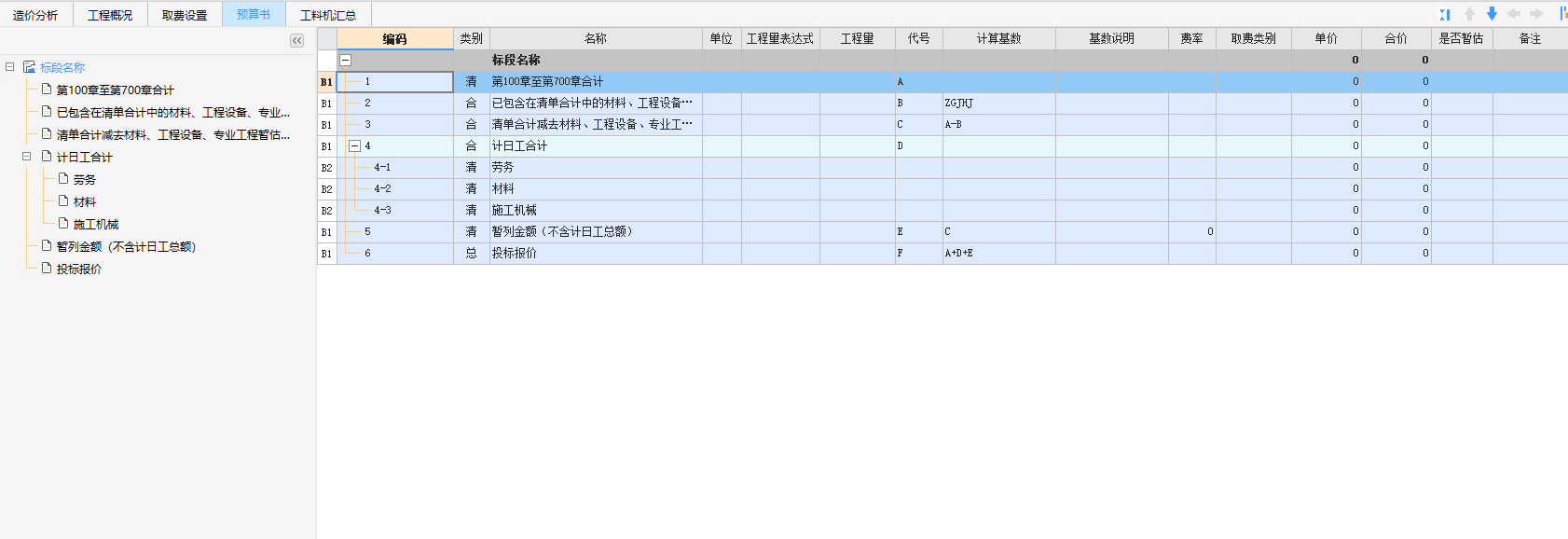
步骤一:完成取费设置之后,切换到预算书界面

![image.png](https://aecore.glodon.com/sp-doc/2e8518f919f346cimage.png


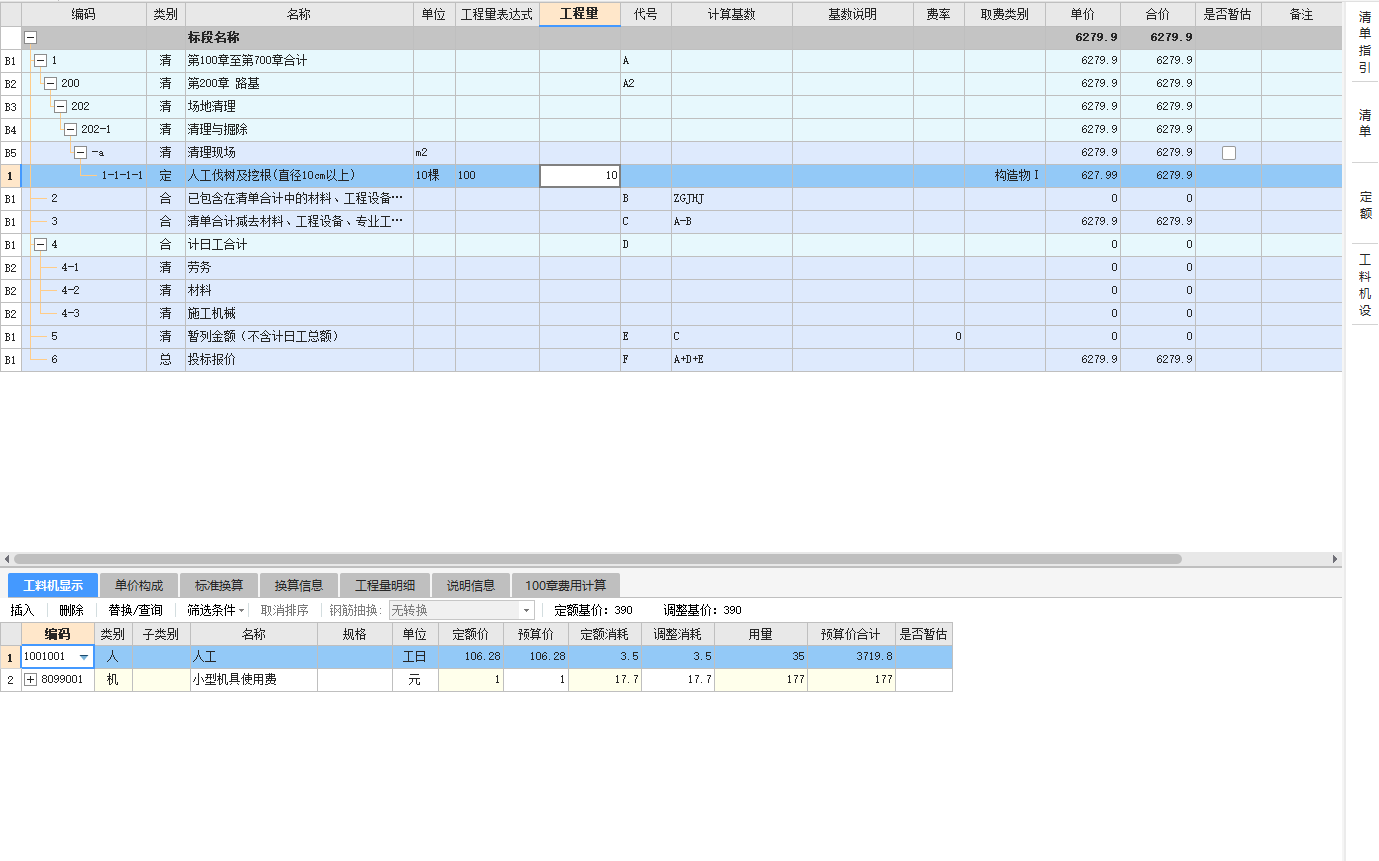
步骤二:开始造价文件的编制

image.png


步骤三:调整定额

image.png